
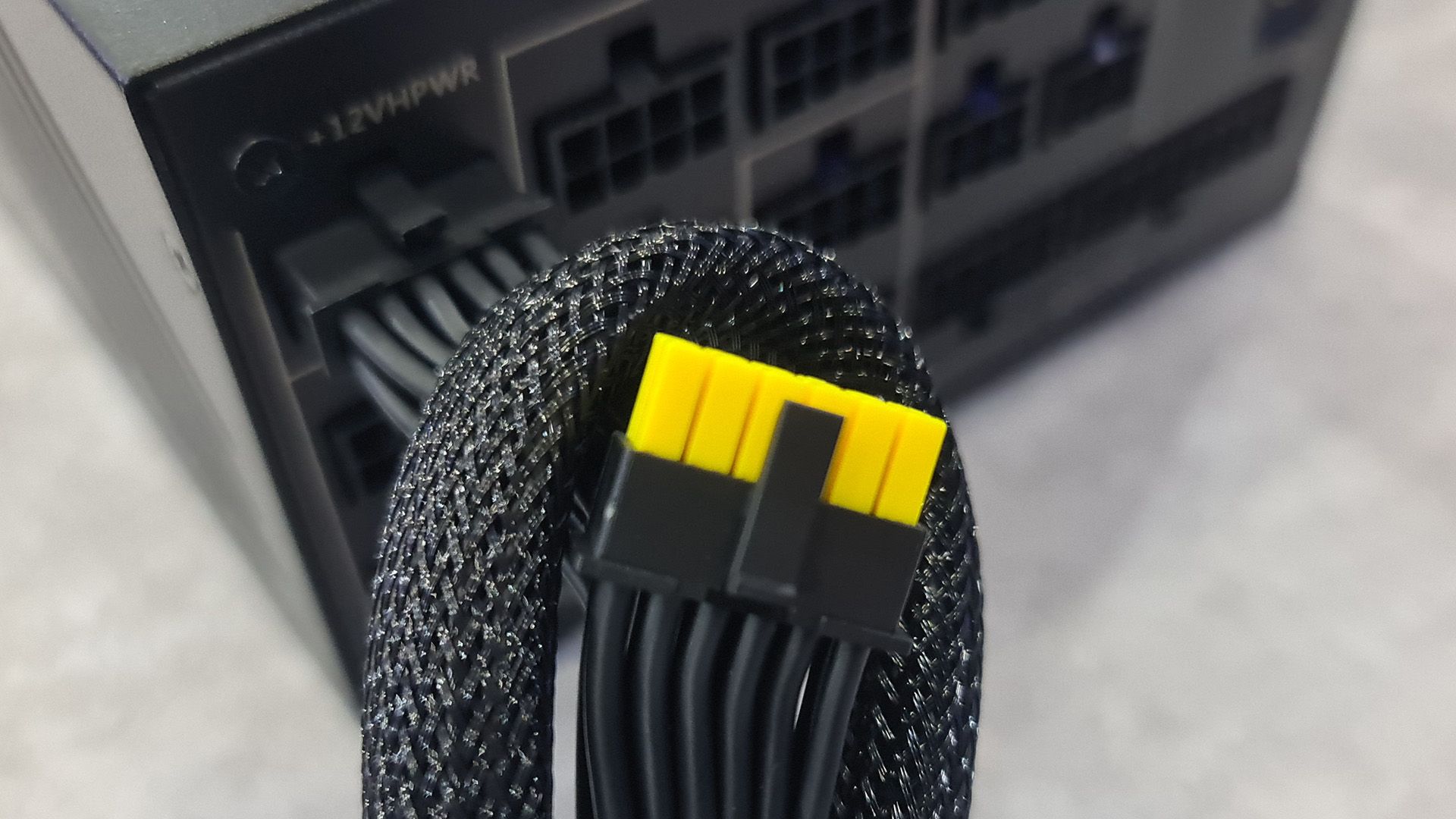
The Need for Routine Cable Inspections
Maintaining a high-performance gaming PC involves more than just keeping drivers updated and running software benchmarks. Physical hardware integrity is equally critical to ensuring system stability and protecting expensive components. A stark reminder highlighted by PC Gamer underscores the importance of visual hardware checks: seeing a blackened plug on a power connector should serve as a regular prompt for gamers to inspect their graphics card cables.
For enthusiasts running modern graphics hardware, such as RTX 50-series GPUs, keeping a close watch on power connections is an essential part of standard system care. High-performance graphics cards demand clean, reliable power delivery, and ensuring that power cables remain properly seated and free from thermal wear can prevent serious system issues down the line.
Spotting Thermal Wear Before Damage Occurs
Visual inspection remains one of the most effective ways to catch potential hardware problems early. Over extended periods of use, factors such as cable tension, improper seating, or localized heat can impact the connection between the power supply cable and the graphics card header. A discolored or blackened connector plug is a clear visual signal of thermal stress or electrical resistance that needs immediate attention.
Adopting a routine maintenance schedule—treating cable checks as a weekly habit—gives PC builders the opportunity to catch minor connection flaws before they turn into major hardware failures. During a routine check, gamers should verify that the power plug is fully latched into the GPU socket with no visible gaps. Looking closely at the plastic housing and metal pins for any hints of scorching, melting, or unusual discoloration helps ensure the connection remains healthy.
Using Cable Monitors for Hardware Safety
In addition to manual visual checks, hardware monitoring tools can offer an added layer of security for high-end gaming setups. As suggested in the report, acquiring a dedicated cable monitor is a practical step worth considering for users who want continuous insight into their power delivery setup.
Cable monitoring solutions can help track connection parameters, allowing users to detect anomalies in power delivery before physical connector damage takes place. For high-draw components like modern RTX 50-series cards, having dedicated hardware or monitoring accessories provides valuable peace of mind during heavy gaming sessions or intensive graphics workloads.
Essential Tips for GPU Power Cable Safety
To keep your graphics card operating safely, consider adopting the following maintenance practices:
Conduct routine visual checks: Inspect your GPU power connectors regularly to catch early signs of plug blackening, connector deformation, or loose fits.
Verify full seating: Make sure all power connectors click firmly into position and rest flush against the graphics card receptacle.
Minimize connector strain: Avoid tight cable bends near the connector head to reduce physical strain on the internal pins and socket housing.
Consider dedicated monitoring: Look into cable monitoring solutions to keep track of power health and catch connectivity issues early.
Taking a proactive approach to cable management and physical inspection ensures your PC stays in peak condition. Taking a moment for a quick weekly glance at your RTX 50-series GPU power cables is a simple habit that helps protect your gaming rig for the long haul.

No comments:
Post a Comment